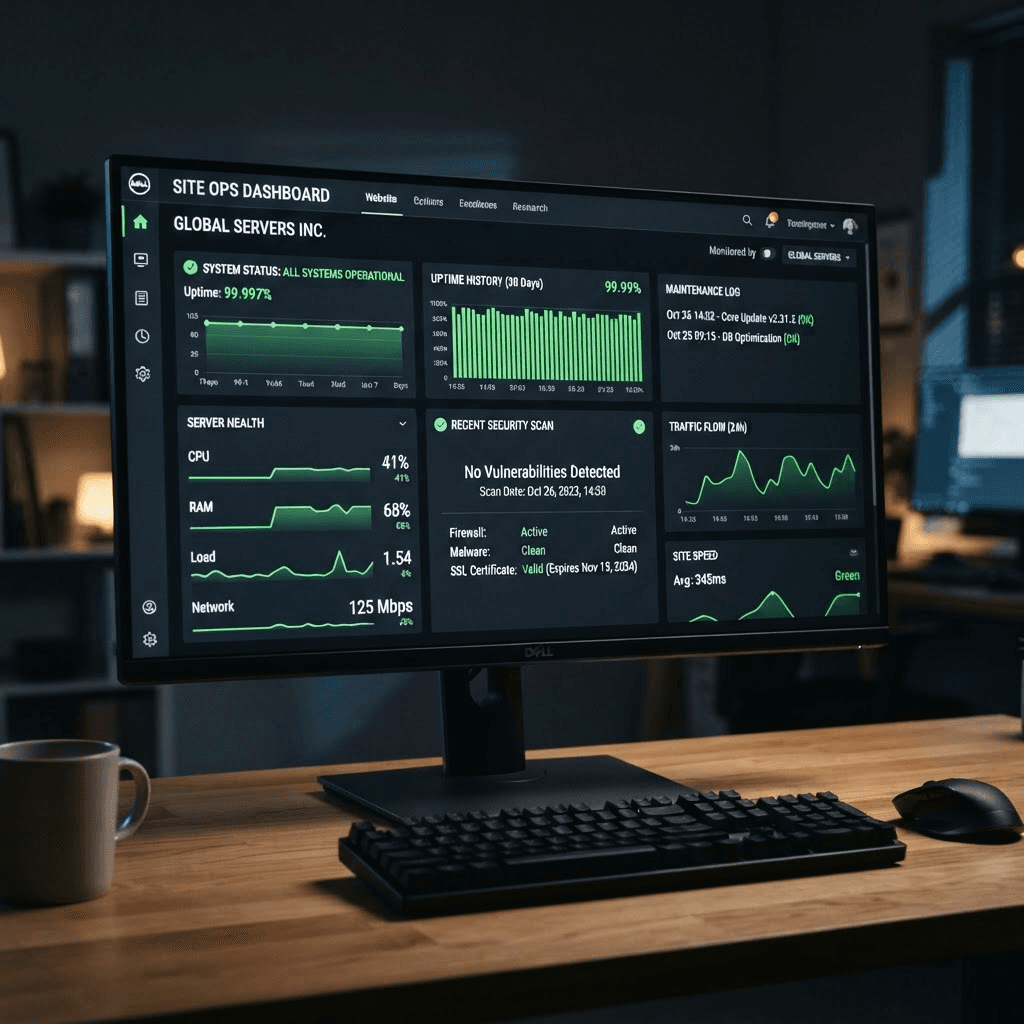
Your website being offline is not just an inconvenience — it is a direct revenue and credibility event. Every minute a potential customer visits a downed website and gets an error, that lead is likely lost permanently. Yet most UAE business owners have no monitoring in place and often learn about downtime from customers rather than their own systems.
What Uptime Actually Means Uptime is expressed as a percentage of time a website is available and responsive over a period. Common hosting guarantees:
- 99.9% uptime = 8.76 hours of downtime per year
- 99.95% uptime = 4.38 hours per year
- 99.99% uptime ("four nines") = 52.6 minutes per year
For a high-traffic e-commerce site in Dubai, even 30 minutes of downtime during peak hours can mean significant lost revenue.
Types of Downtime 1. Server-side outages: Hosting infrastructure failure — the most common type 2. DNS failures: Domain name resolution failures making the site unreachable 3. SSL certificate expiry: Browsers block access to sites with expired certificates 4. DDoS attacks: Traffic flooding that overwhelms your server 5. Application errors: Code bugs or database failures causing 500 errors 6. Deployment failures: A bad code update that crashes the application
How to Monitor Your Website Several tools monitor your website every 1–5 minutes from multiple global locations and alert you immediately when downtime is detected:
Free options:
- UptimeRobot (free up to 50 monitors, 5-minute check interval)
- Freshping (free for basic monitoring)
Paid options:
- Pingdom (detailed analytics, SMS/call alerts)
- Better Uptime (incident management, status pages)
- Datadog (enterprise monitoring)
All should alert via SMS and email immediately upon detecting downtime — not 15 minutes later.
Response Protocol Every website should have a documented downtime response protocol: 1. Who receives the alert? 2. Who has server access and can investigate within 15 minutes? 3. What is the first-response process for common failure types? 4. Who communicates with clients if the site is business-facing?
Demanding the Right SLA When selecting a hosting provider, ask specifically:
- What is the uptime SLA and what are the penalties for violations?
- How are planned maintenance windows communicated?
- What is the average incident response time?
- Is 24/7 emergency support available (including UAE timezone)?

Related Articles

Website Design UAE: Creating Digital Excellence for Your Business
Discover how professional website design in UAE can transform your business online presence and drive meaningful results.
Read article
Responsive Website Design: Essential for Modern Business Success
Learn why responsive design is critical and how it impacts your SEO rankings and user experience.
Read article
Modern Web Design Trends 2024: Create Stunning Websites
Discover the latest web design trends that make websites visually appealing, user-friendly, and conversion-focused.
Read article