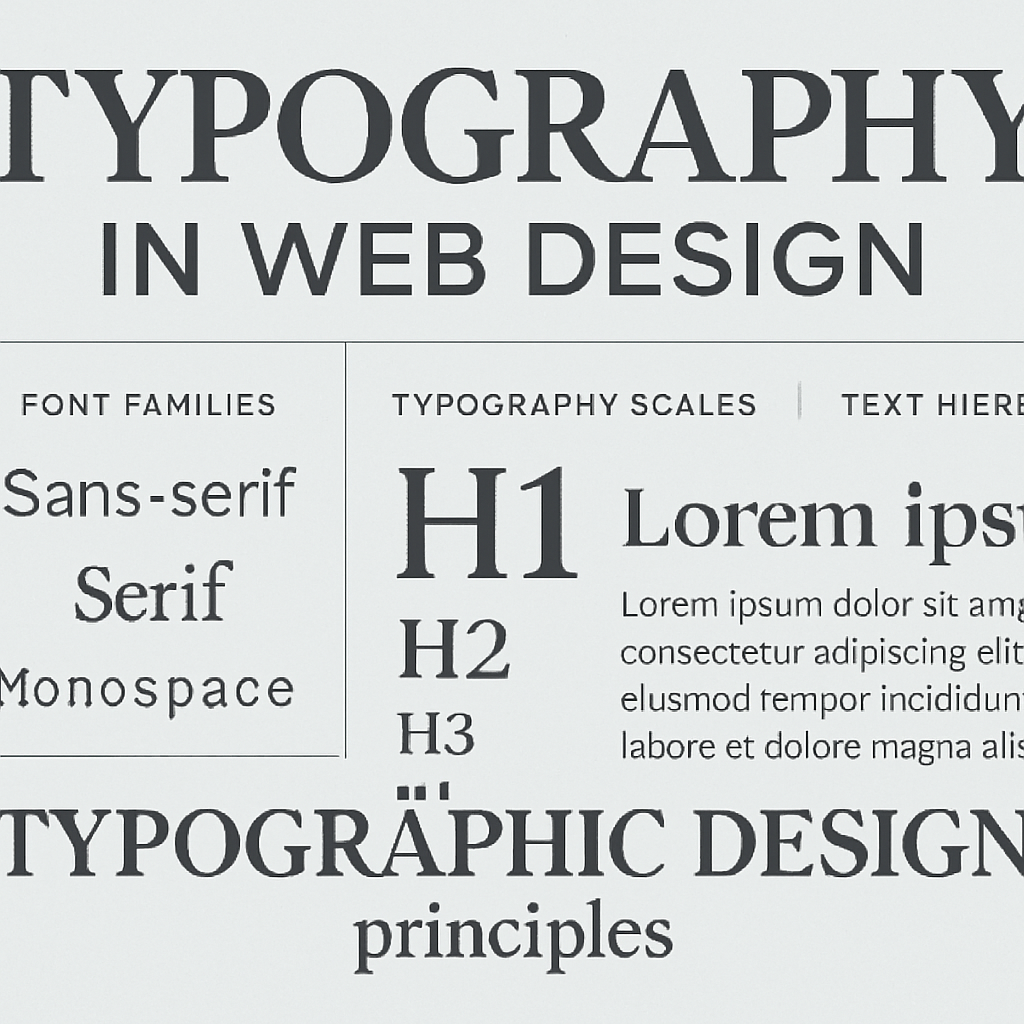
Typography is far more than just picking a nice-looking font. It's about choosing typefaces that are readable, align with your brand, and enhance the overall user experience. Poor typography can make even the best content difficult to read and diminish your brand credibility.
Types of Fonts:
1. Serif Fonts: Traditional, formal appearance. Good for body text in publications but less common on web. 2. Sans-Serif Fonts: Clean, modern, highly readable. Ideal for web design. 3. Script Fonts: Decorative, elegant. Use sparingly for headings or branding. 4. Monospace Fonts: Fixed width, suitable for code snippets and technical content.
Web-Safe Font Combinations:
- Headlines: Larger sans-serif fonts (Helvetica, Arial, Verdana)
- Body text: Clean, readable sans-serif or serif fonts (Georgia, Times New Roman)
- Code: Monospace fonts (Courier New, Consolas)
Typography Best Practices:
1. Limit Font Count: Use 2-3 fonts maximum. Too many fonts create visual chaos.
2. Maintain Hierarchy: Use different sizes and weights to establish clear hierarchy.
3. Ensure Readability: - Body text should be 16px minimum - Line height should be 1.5-1.6 for comfortable reading - Line length should be 50-75 characters
4. Use White Space: Adequate spacing around text improves readability and reduces cognitive load.
5. Test Responsiveness: Ensure fonts resize properly on mobile devices.
6. Consider Loading Times: Web fonts should be optimized; too many or poorly optimized fonts slow page loading.
7. Maintain Consistency: Use consistent typography across all pages and sections.
Popular Web Fonts:
- Google Fonts: Free, diverse selection
- Adobe Fonts: Professional quality
- Typekit: Premium fonts
- Font Awesome: Icon fonts
Typography is often overlooked but is crucial to creating professional, readable websites that users enjoy. The right typography choices enhance readability, reinforce brand identity, and improve overall user satisfaction.

Planning a Website in Dubai?
Discuss your website scope with our team and request a tailored quotation.
Discuss on WhatsAppWebsite design in DubaiSelected reading
Related Articles
Website Design UAE: Creating Digital Excellence for Your Business
Discover how professional website design in UAE can transform your business online presence and drive meaningful results.
Read article
Responsive Website Design: Essential for Modern Business Success
Learn why responsive design is critical and how it impacts your SEO rankings and user experience.
Read article
Modern Web Design Trends 2024: Create Stunning Websites
Discover the latest web design trends that make websites visually appealing, user-friendly, and conversion-focused.
Read article