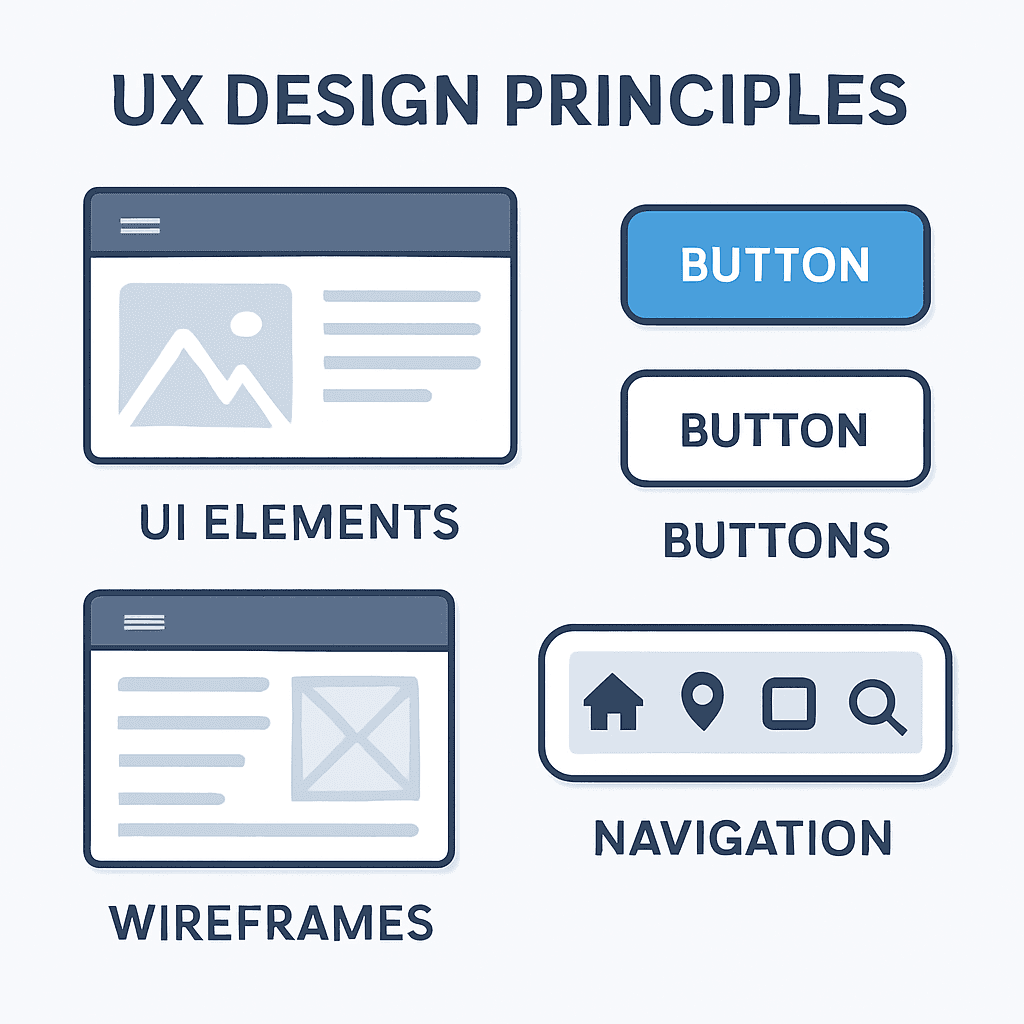
UX and UI are the two most misunderstood terms in digital design. They are used interchangeably in job descriptions, client briefs, and agency pitches — and this confusion costs projects clarity, money, and outcomes. Here is the definitive explanation of what each is, how they differ, and how they work together.
User Experience (UX) Design UX design is the strategic discipline of designing how a user interacts with a product — the journey, the logic, the information architecture, and the emotional response throughout that journey. A UX designer asks: What does the user need to accomplish? In what order should information be presented? Where do users typically get confused, lost, or frustrated? What is the shortest path from entry to conversion?
UX is largely invisible when done correctly. Nobody notices smooth navigation, clear labelling, or intuitive task flows — they just experience the digital product as "easy to use." When UX fails, users say "I could not find what I was looking for" or "I did not know what to click."
UX deliverables: user research, personas, user journey maps, information architecture, wireframes, usability testing reports.
User Interface (UI) Design UI design is the visual craft of creating the screens, components, and interactive elements that make up a digital product. A UI designer asks: What colour palette reflects this brand? How do buttons, cards, and form fields look and behave? What typography creates the right hierarchy and tone? How do states (hover, active, disabled, error) look and feel?
UI is entirely visible. It is the first thing users see and the dimension they most often describe when talking about a product: "It looks clean," "the colours are nice," "it feels modern."
UI deliverables: style guide, component library, high-fidelity screen designs, interactive Figma prototypes, design system documentation.
How They Work Together A product without UX but with good UI is beautiful but confusing — it looks impressive until you try to use it. A product with excellent UX but poor UI is functional but untrustworthy — it works logically but signals a lack of polish and professionalism. World-class digital products have both.
The correct sequence: UX research → information architecture → wireframes → UI design applied to wireframes → prototype → user testing → refinement → development handoff.
Why UAE Businesses Need Both In Dubai's competitive digital landscape, half-measures do not work. A website that is visually impressive but confusing to navigate will lose customers who, on a competitor's cleaner website, find what they need in two clicks and contact them instead. The investment in both UX and UI is the investment in business results, not aesthetics.

مقالات ذات صلة

تصميم الموقع الإمارات: خلق التميز الرقمي لعملك
اكتشف كيفية أن تصميم الموقع الاحترافي في الإمارات يمكن أن يحول وجودك عبر الإنترنت ويحقق نتائج ذات مغزى.
اقرأ المقال
تصميم الويب المتجاوب: ضروري لنجاح الأعمال الحديثة
تعرّف على أهمية التصميم المتجاوب وتأثيره على ترتيبك في محركات البحث وتجربة المستخدم.
اقرأ المقال
اتجاهات تصميم الويب الحديثة 2024: إنشاء مواقع ويب مذهلة
اكتشف أحدث اتجاهات تصميم الويب التي تجعل المواقع جميلة وسهلة الاستخدام وموجهة لااتحويل.
اقرأ المقال